Connect a real device and let the agent explore the app

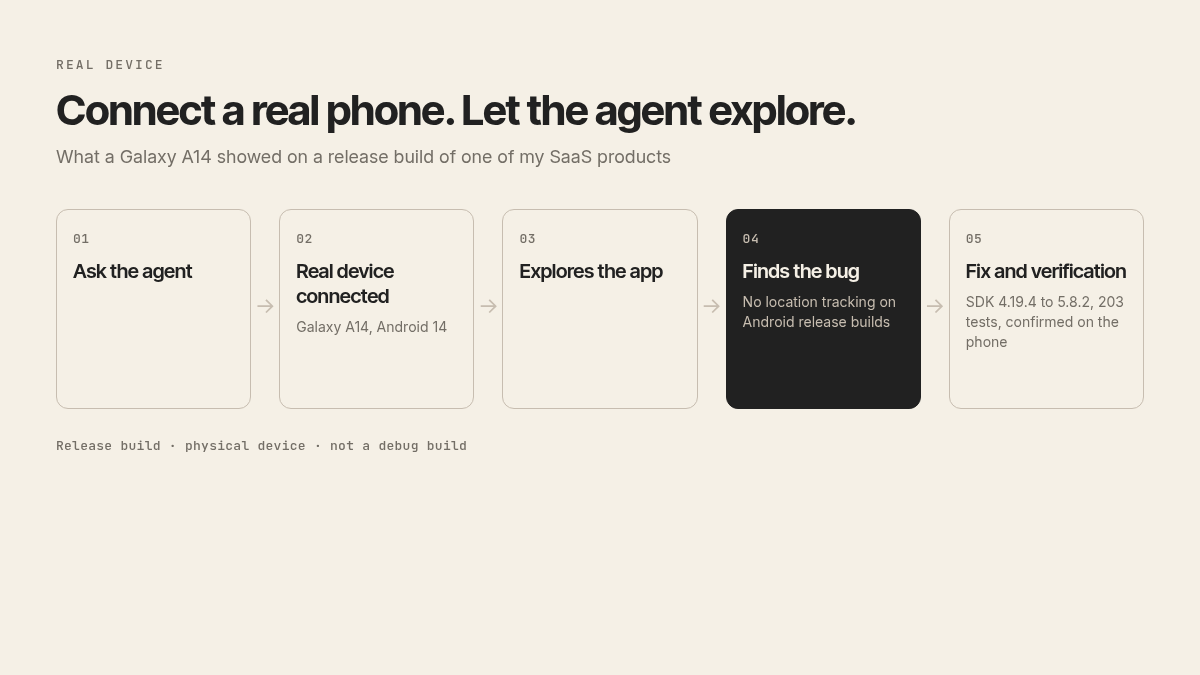
I connected a real Galaxy A14, running Android 14, and asked the agent to explore the mobile app of one of my SaaS products.
The app uses a third-party location SDK, a dependency we don't control. That's where the problem was.
What the release build showed
The license keys in the app were already in the v5 format. The SDK was still on 4.19.4, which cannot validate those keys.
That license check does not run in a debug build. It runs on a release build of the real app. On the Galaxy A14, the SDK logged a license validation failure, showed a toast with that message, and refused to operate. Tapping allow on the location disclosure never even opened the system permission prompt. On Android release builds, location wasn't being tracked at all.
Tests of our own code don't exercise a vendor license check against the real app id. A green suite can hide a store build that simply does not track.
The fix, on the same phone
The agent upgraded the SDK from 4.19.4 to 5.8.2. The config moved to the v5 format, and a companion plugin that was no longer needed came out.
Verification was on the same Galaxy A14, again on a release build, against a local server. The license passed. The system prompt appeared. The permission flow completed in one pass, and the server accepted the location pings. We also killed the app and left it closed: a scheduled restart brought tracking back, and the pings were stored, without opening the app. An in-place upgrade from 4.19.4 imported the persisted config, all 73 keys that were already saved.
v5 changed two behaviors on Android, both checked on the same device. The first permission request now only grants access while the app is in use. The app was changed to ask a second time in the same flow, so the person sees the rationale and can allow all-the-time access before leaving the screen. iOS was left unchanged. The tracking notification channel also got a Portuguese name, because v5 was creating it with a default English name.
After the change, 203 tests passing, no TypeScript errors.
The same device, a second problem
On the same Galaxy A14, this time on a local build, two defects showed up right after tapping allow on the location disclosure.
The app crashed with "Maximum update depth exceeded". A navigation redirect loop unmounted and remounted the auth stack, dozens of times per second in the device log, until React aborted and the process died. This hit someone with an incomplete sign-up, when the disclosure was pushed over the auth screens.
The other problem was the location SDK being restarted on every sync, which looped the background-permission prompt. More than 50 syncs, and as many permission requests, in a few minutes. The SDK is now only started when it is already stopped.
Before the fix, tapping allow with background permission denied killed the app every time. After, one permission request, two syncs, no crash, back on the home screen.
That fix landed on top of the previous one, and the suite ended at 237 tests, with no TypeScript errors. New tests cover the routing case and not starting a running SDK again. Without the fix, those tests fail.
This is not only mobile
I've already done tests like these on desktop, with Tauri, for another of my SaaS products. The agent spins up a VM or a Docker container, records the screen, and checks the recording against what should appear. Tests can be green while a notification never shows, or a file picker never opens.
A green test suite is no substitute for a real device on a release build.
What I take from this
If the app has to work on a real device, connect one and let the agent explore it. An emulator and a test suite are not a substitute for a release build on a physical phone, especially when what breaks sits in a dependency you don't control.
The question I'll leave you with: have you put a real phone, or a real desktop environment, in front of your agents, or are you still stopping at the test suite?
Don't miss the next essay.
One email a week. No spam, no hype.